Drs. P Pickleball Sports Center
Court Reservation and Payment Portal

Reserve Your Court with Ease

Your ultimate playground for epic rallies and nonstop fun! Smash, serve, and connect with the coolest pickleball community here in the heart of Pagadian City. Beginners, pros, everyone’s welcome. Play hard, laugh harder, win together!

Logo Branded 6:00 AM - 12:00 MN Payment Proof Ready

Client Side Reservation

Tap a court card to continue.
Select Date
Select a court and date to load time slots. Then click a green time slot.
No date selected yet.

Client Information

Payment

Upload screenshot, image, or PDF proof. Required for GCash, Maya, and Bank Transfer. Maximum file size: 5MB.
Selected payment method
Cash
Cash selected. Proof of payment is optional.
GCash
GCash selected. Upload proof after payment.
Maya
Maya selected. Upload proof after payment.
Bank Transfer
Bank transfer selected. Upload proof after payment.
Hourly Rate: ₱0.00
Total Hours: 0
Total Amount: ₱0.00
Pricing: Select court and time

How it works

  1. Select the court and reservation date.
  2. Click the green time slot you want, then choose the end time.
  3. Enter your details, payment information, and upload proof of payment if using GCash or bank transfer.
  4. Cashier/admin verifies payment and prints the official cashier receipt.

Reservation Lookup

Clients can check their reservation status by mobile number or name.

Payment Options

Choose how you want to pay

Scan the QR code or tap your preferred payment method. Selecting a card automatically updates the payment method below.
GCash
Unavailable
GCash QR Code
UNAVAILABLE
SA******O P.
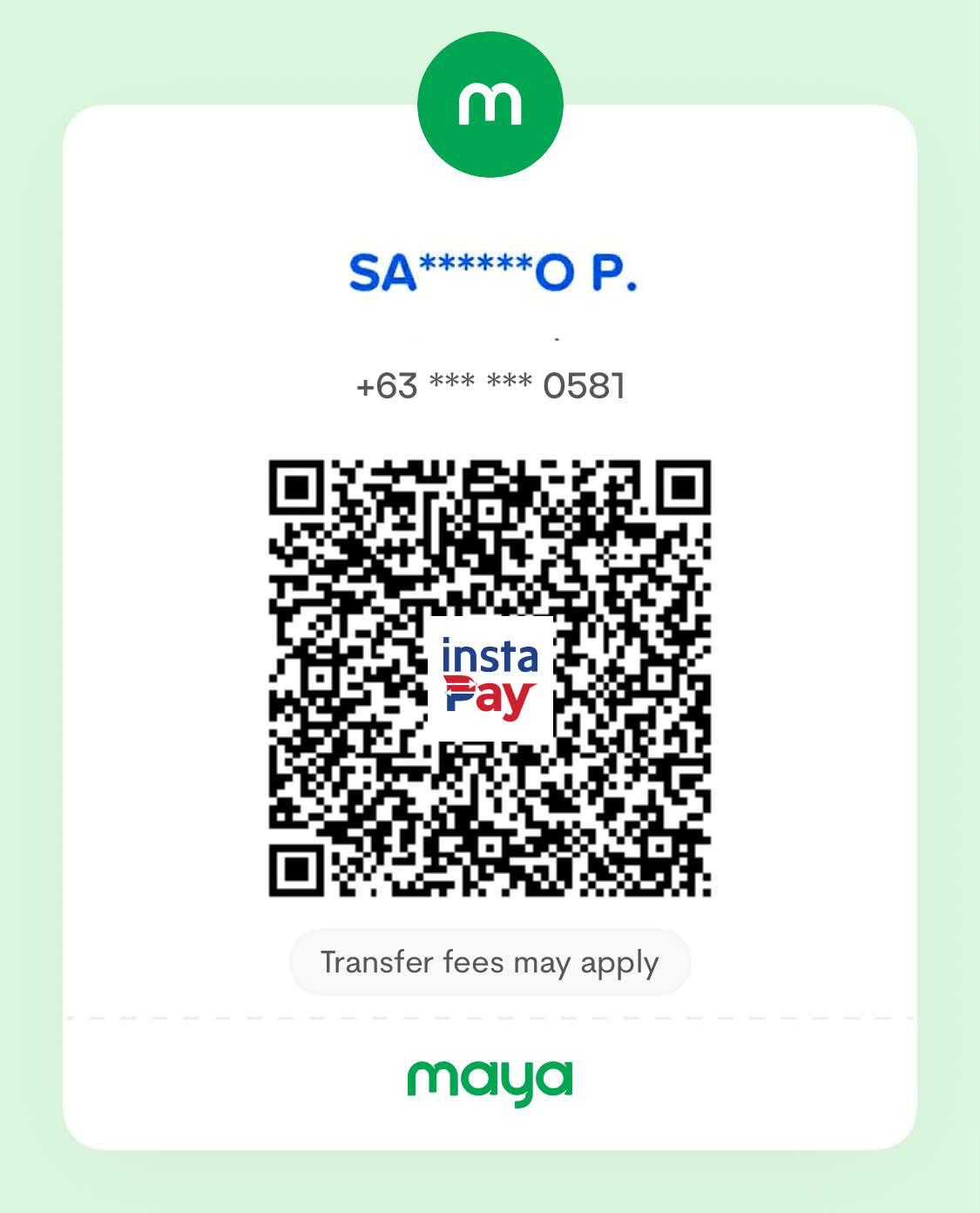
Maya
Unavailable
Maya QR Code
UNAVAILABLE
SA******O P.
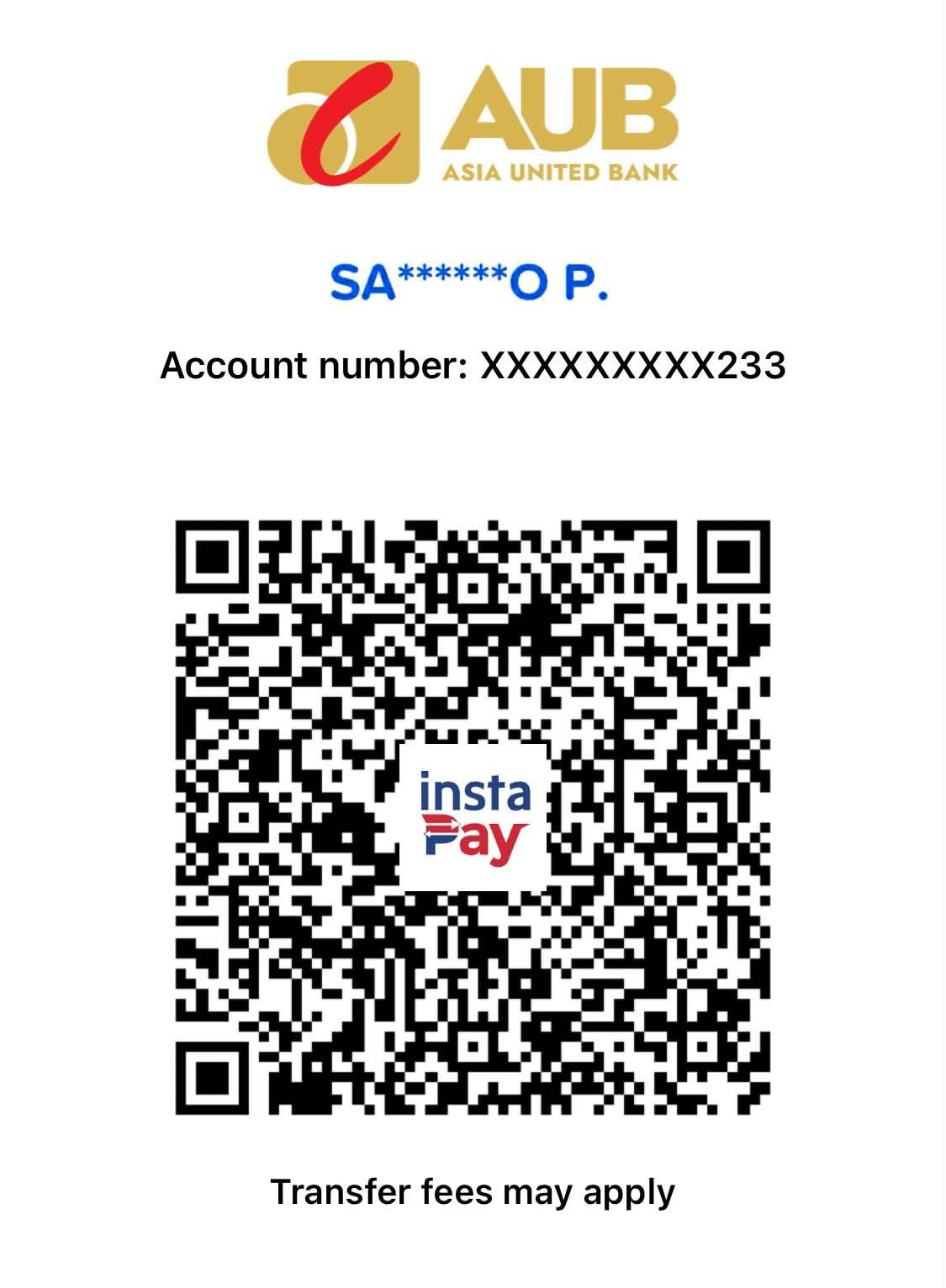
AUB
Unavailable
AUB QR Code
UNAVAILABLE
SA******O P.

Available Courts